

01
One profile
Do not open a second mobile-only account.
Sports, slots and crash stay under the same name.
One account on phone and desktop
The same betFIRST login works in a mobile browser. Use betfirst.website, tap Play Now, then bookmark the live lobby on your phone.
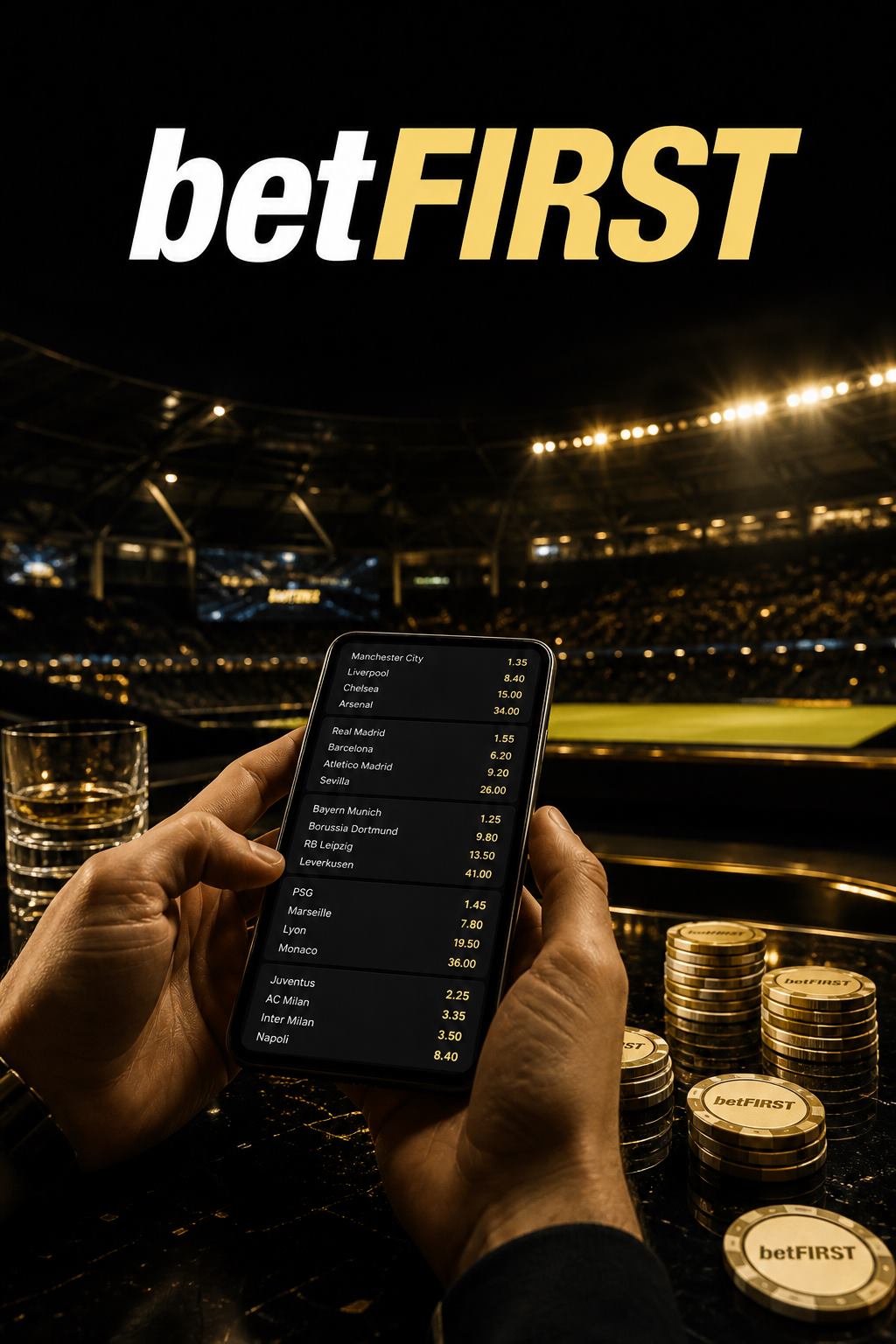
Practical steps for players.
Do not open a second mobile-only account.
Sports, slots and crash stay under the same name.
A current mobile browser is enough to reach the lobby.
Add the live site to your home screen if you want an icon.
Only install an app if betFIRST itself offers it after login.
Skip random store clones.
Use stable data for live tables and cashier.
Pause on flaky subway links.
Log out after cash sessions on borrowed devices.
Never save the password in a public browser.
If the live app offers Face ID or a PIN, enable it.
Still keep the email recovery path.
Mute promo pings if they push extra deposits.
You control session start.
Landscape helps odds boards; portrait is fine for slots.
Lock rotation if taps miss.
Keep betfirst.website as the known re-entry.
Play Now still opens the live mobile lobby.
Straight answers for login, bonus, odds, slots, crash and cashier.
A mobile browser is enough. Use a native app only if the live betFIRST lobby offers it.
No. One betFIRST login covers phone and desktop.
Yes, via the same cashier after login. Finish KYC on a private device.
Only if you log out and skip saved passwords.
Open betfirst.website, tap Play Now, then bookmark the live lobby.
Official path to lobby, odds, slots, crash and live tables.